Creating a comfortable and productive home office environment is essential for anyone working remotely or spending a significant amount of time on tasks at home. A well-designed workspace not only improves focus and efficiency but also helps maintain good posture and mental well-being. Whether you have a dedicated room or just a small corner, these tips will guide you in setting up an effective home office that supports your work routine.
Choose the Right Location
Prioritize Natural Light
Select a spot in your home with plenty of natural light. Exposure to daylight helps regulate your internal clock, improves mood, and reduces eye strain. If possible, position your desk near a window but avoid glare on your computer screen by using blinds or curtains.
Minimize Distractions
Pick a quiet area away from household traffic and noise. A peaceful environment helps maintain concentration and reduces stress. If you don’t have a completely separate room, try noise-cancelling headphones or soft background music to block distractions.
Invest in Comfortable and Ergonomic Furniture
Select a Supportive Chair
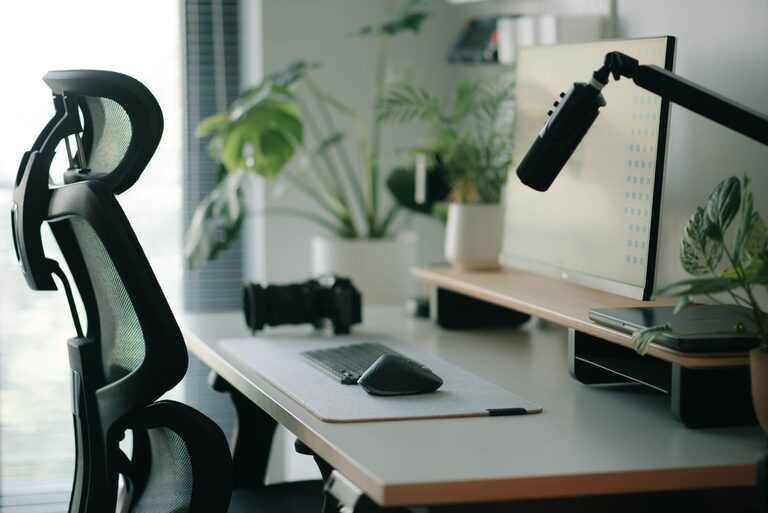
A good chair is vital for comfort and posture. Look for adjustable options with lumbar support, armrests, and a cushioned seat. Sitting comfortably reduces the risk of back and neck pain.
Choose the Right Desk
Your desk should be large enough to hold your computer, notepads, and other essentials without clutter. Consider adjustable desks that allow you to alternate between sitting and standing positions, promoting movement and reducing stiffness.
Organize and Declutter Your Workspace
Keep It Tidy
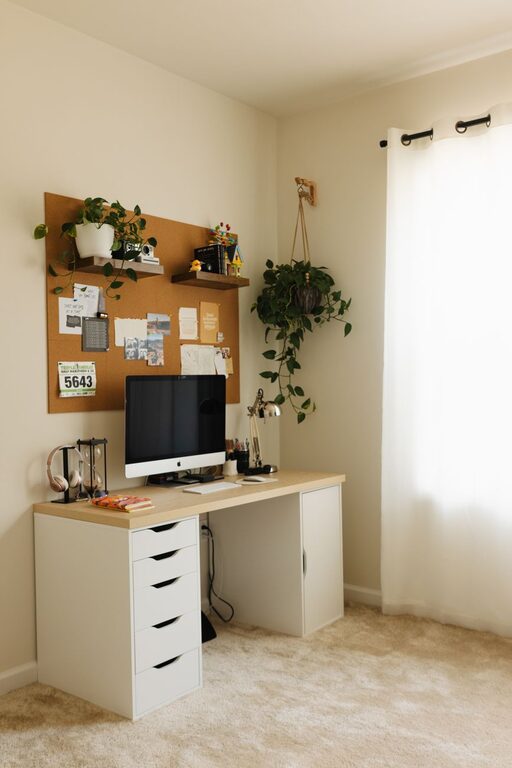
A clean and organized desk reduces stress and helps you stay focused. Use storage solutions like drawer organizers, shelves, or filing cabinets to keep supplies neatly arranged.
Limit Non-Essential Items
Remove unrelated items from your workspace to create a distraction-free zone. Only keep tools and materials that support your daily tasks.
Optimize Technology Setup
Arrange Your Screen Properly
Position your monitor so the top of the screen is at eye level and about an arm’s length away. This arrangement minimizes neck strain and eye fatigue.
Use Quality Accessories
Invest in a good keyboard and mouse that feel comfortable during long periods of use. Consider using a laptop stand if you work on a laptop to align the screen height correctly.
Manage Lighting Effectively
Supplement Natural Light
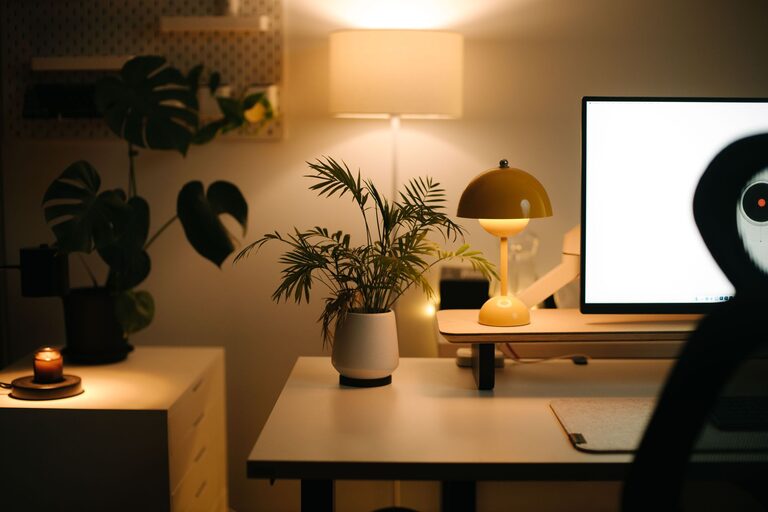
Add task lighting such as desk lamps with adjustable brightness to avoid eye strain, especially in the evening. Soft, white light bulbs are best for maintaining alertness without harshness.
Avoid Screen Glare
Position lights to prevent reflection on your computer screen. Anti-glare screen protectors can also help reduce eye discomfort.
Personalize Your Space Thoughtfully
Add Inspiring Elements
Decorate with plants, artwork, or items that motivate you, but keep it simple to avoid clutter. Plants also improve air quality and add a touch of nature.
Maintain a Comfortable Temperature
Ensure your workspace is well-ventilated and at a pleasant temperature. A small fan or heater can help regulate your environment according to the season.
Establish Routines and Boundaries
Schedule Breaks
Incorporate regular breaks to stretch, walk, and rest your eyes. Following the 20-20-20 rule (every 20 minutes, look at something 20 feet away for 20 seconds) can reduce eye strain.
Set Clear Work Hours
Define when your workday starts and ends to separate professional and personal time. Communicate boundaries with others in your household to minimize interruptions.
Stay Connected and Motivated
Create a Communication Plan
Use video calls, chats, and emails to stay in touch with coworkers or clients. Regular interaction helps reduce feelings of isolation and promotes collaboration.
Set Goals and Track Progress
Write down daily or weekly goals. Using planners or digital tools can keep you organized and motivated to complete tasks.
—
Designing a home office that is both comfortable and efficient doesn’t have to be complicated. By focusing on your environment, furniture, organization, and routines, you can create a space that enhances your work experience and supports your well-being. Whether you are working from home full-time or occasionally, these tips will help you enjoy a productive and pleasant workspace.
About the Author